System settings
agstack/inatrace-frontend
·
docs/settings.mdEdits belong in that repository, not in
agstack/docs.
Licensed under
MPL-2.0,
not this site's CC BY-SA 4.0.System-wide configuration, available to system administrators: companies, users, value chains, currencies and the type codebooks.
This section is dedicated to system settings. Settings are accessible by clicking the cog icon in the sidebar. This menu is only available for system administrators. Companies, users, value chains, currencies and settings are configured on these pages.
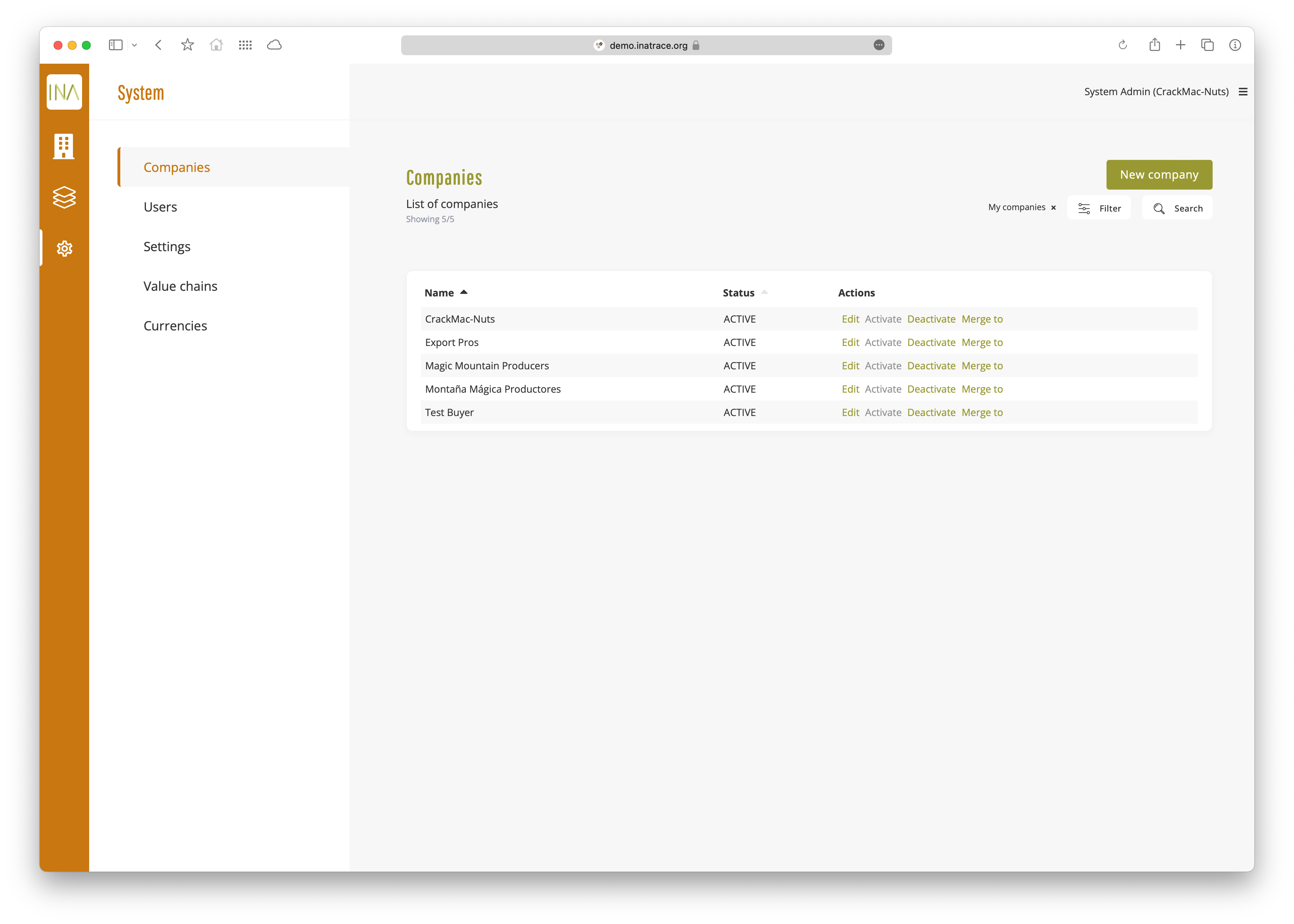
Companies
Here, new companies can be added and existing ones can be edited.
Users
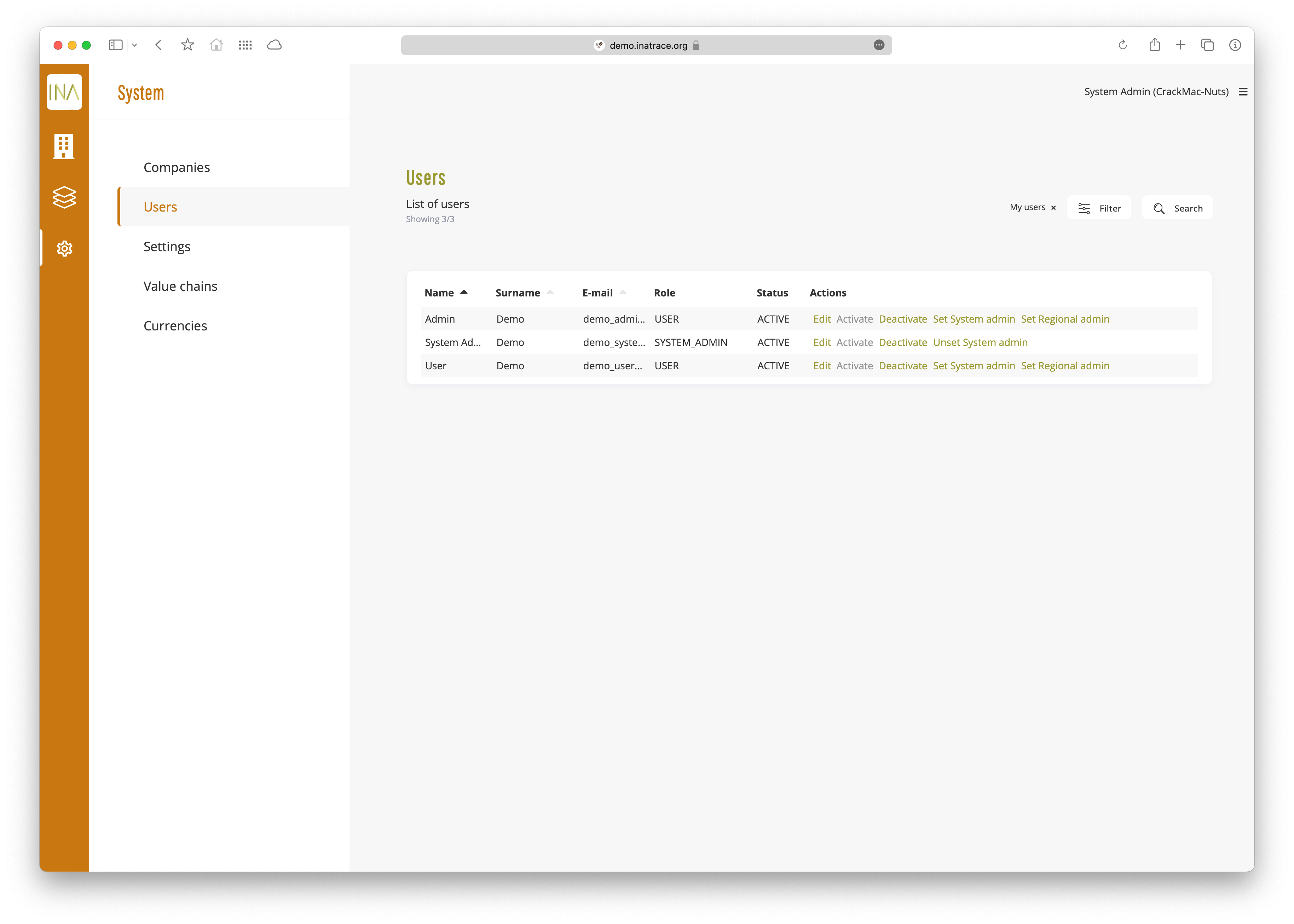
This is the list of system users. To show all users, the “My users” filter needs to be deactivated. Users can be edited, activated, deactivated and promoted or demoted out of the System admin role. Users can also be set as a Regional admin, which can administer resources owned by the companies where the user is part of.
Users who confirmed their emails can be activated by clicking “Activate”. After that, they can login and start using the app.
Settings
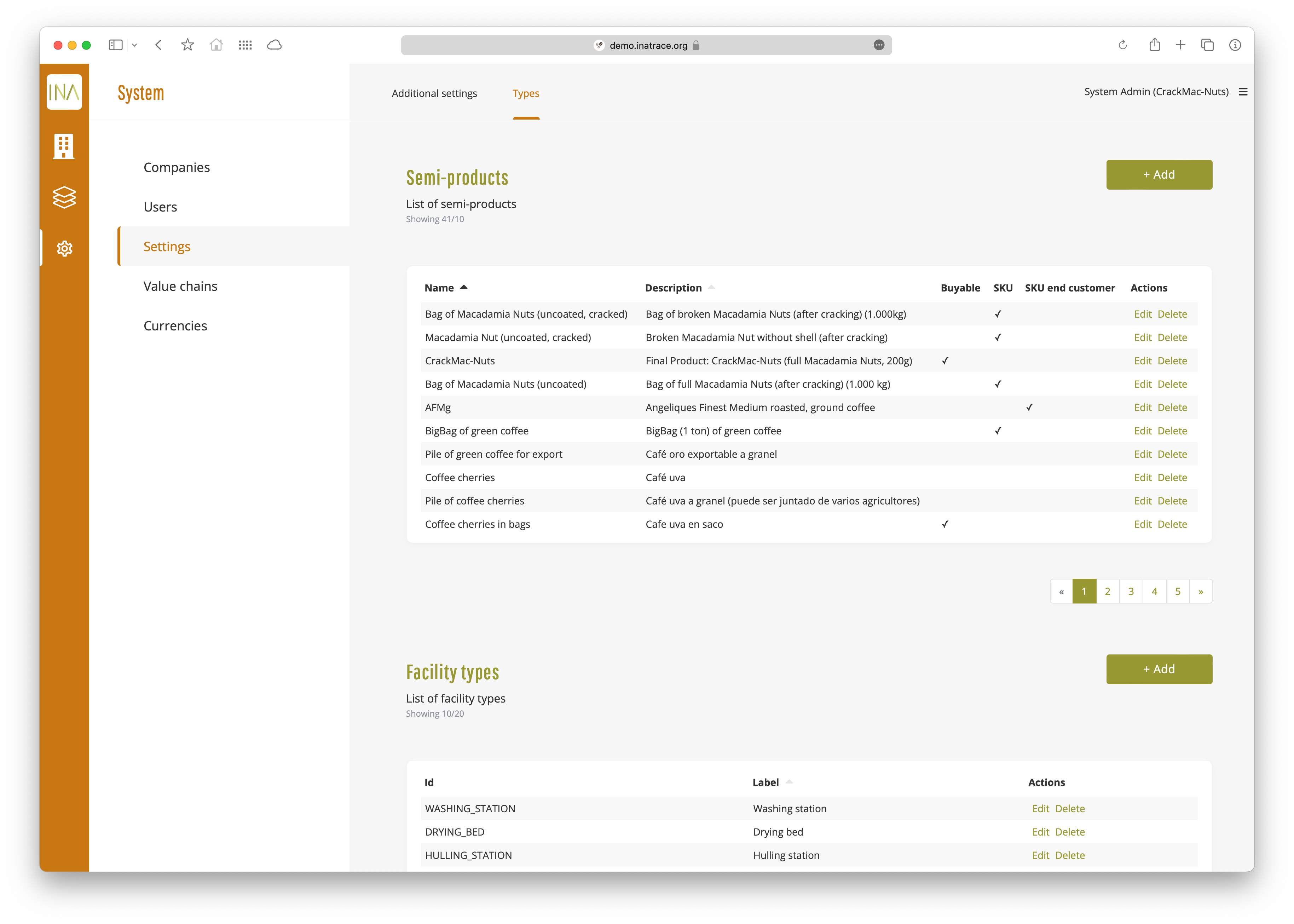
Under the “Settings” page and “Types” tab, we can find constants and system-level values like Semi-products, Facility types, Measurement units, Processing evidence types, Processing evidence fields and Product types. Add, edit or remove any of these values to fit your use case.
Value chains
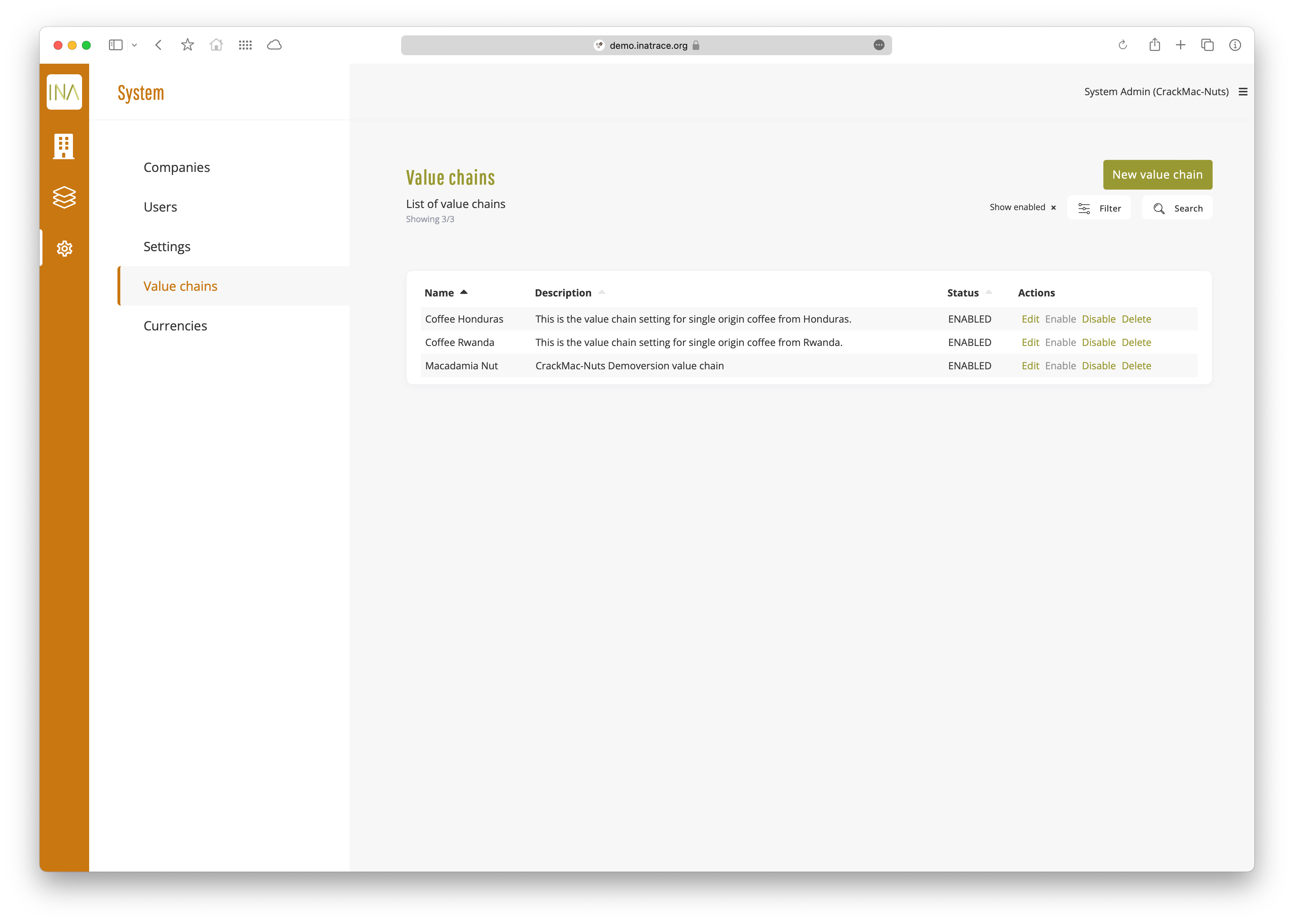
Value chains are listed on this tab. From here, create a new or edit an existing value chain. Value chains contain Facility types, Measuring unit types and other constants added in the types settings.
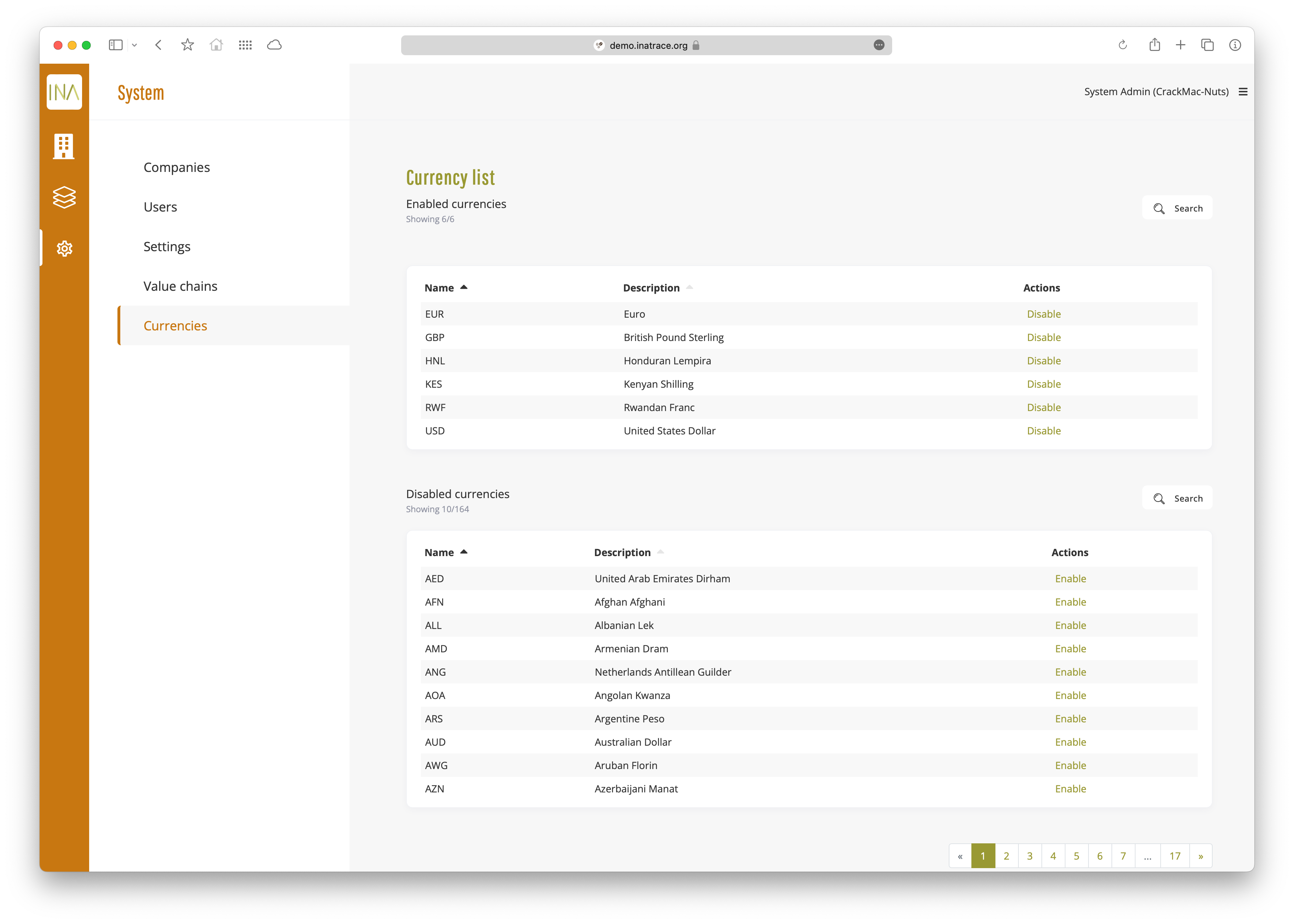
Currencies
The system supports 168 different currencies, provided by exchangeratesapi.io . To use a currency, a System or Regional admin has to manually activate it before it can be selected in currency lists.
To search for a currency, click the “Search” button above the enabled or disabled list and type the ISO code or full name.